 Kenya
Payments in the chat
M-Pesa and card payment links on WhatsApp in Kenya
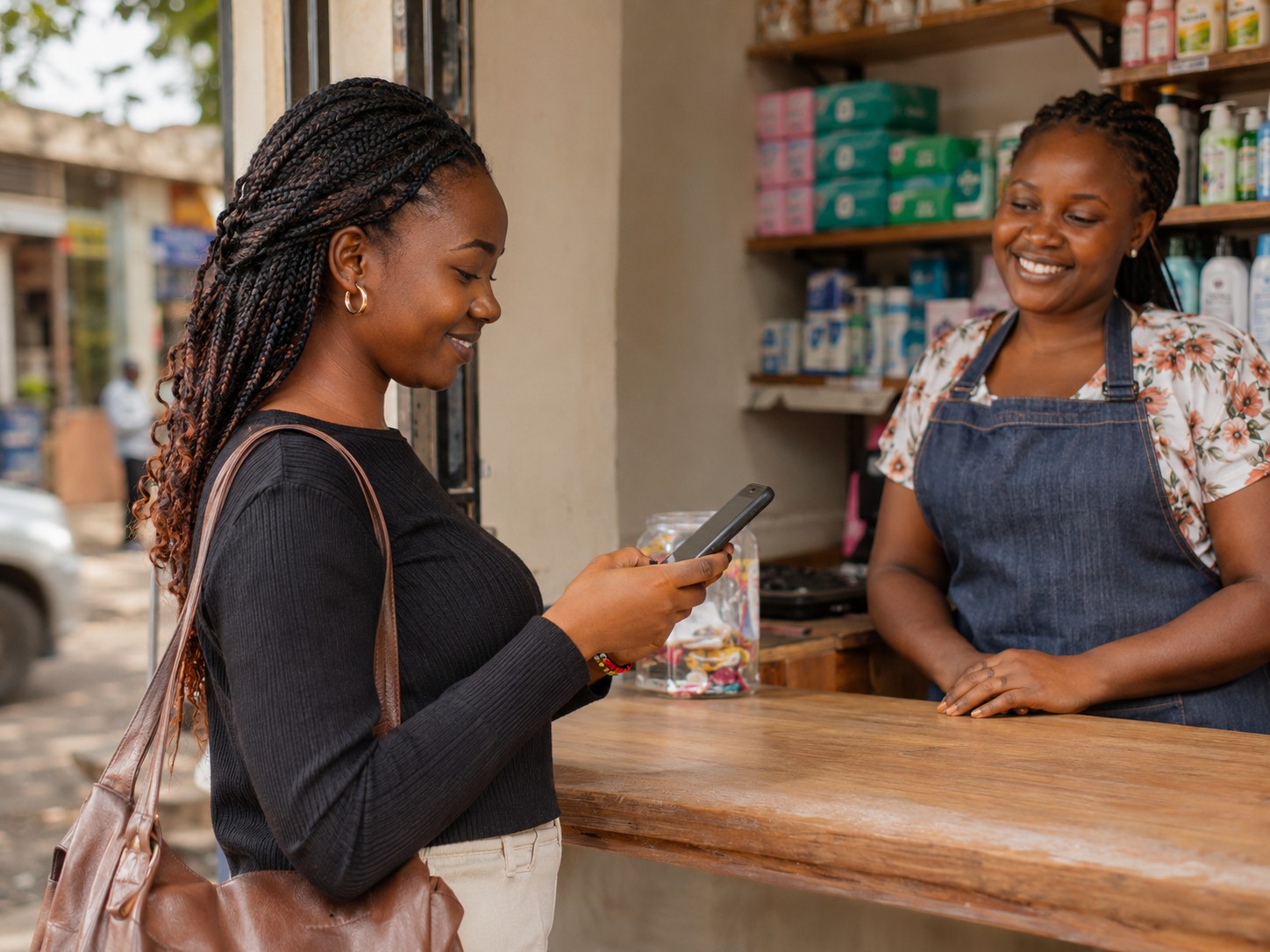
Send an invoice or a payment link inside the conversation. Customers pay by M-Pesa or card through Paystack or Flutterwave, the receipt goes out automatically, and your team sees the payment on the same chat.
M-Pesa and card
Paystack or Flutterwave
Automatic receipts
No DMly fee on payments
Payments in the chat
How it works
From a price to a paid order in one conversation
01
Connect your provider
Link your Paystack or Flutterwave account and choose which payment methods to switch on, such as M-Pesa and card.
02
Send the link
Your team, the AI agent or an automation sends an invoice or payment link inside the chat.
03
The customer pays
They open the link, choose M-Pesa or card, and approve the payment on their phone.
04
The receipt goes out
A receipt is sent automatically and the payment shows on the customer's profile in DMly.
Example
A lunch order in Mombasa, paid before it leaves the kitchen
A fictional nyama choma spot in Nyali. No till number typed out, no screenshot to check.
The total is worked out
The order, delivery fee and total are sent clearly, so nobody argues about the amount.
Paid in the thread
The customer pays by M-Pesa from the link, and the kitchen sees it is paid.
Receipt sent
The receipt lands in the same chat, ready for the customer's records.
What you can collect
Every kind of payment a small business takes
Invoices
Itemised bills in the chat
Send an invoice with the items, amounts and due date, and a link to pay it.
Payment links
A quick link for any amount
For a delivery fee, a balance or a one-off order, created in seconds.
Deposits
Hold a booking with money
Take a deposit or full payment before a booking is confirmed.
Subscriptions
Memberships that renew
Gym memberships, school fees or monthly packages, with renewal reminders and a pay link each time.
Providers
Paystack or Flutterwave, whichever you use
DMly connects to your own payment account. It does not hold your money.
M-Pesa and card
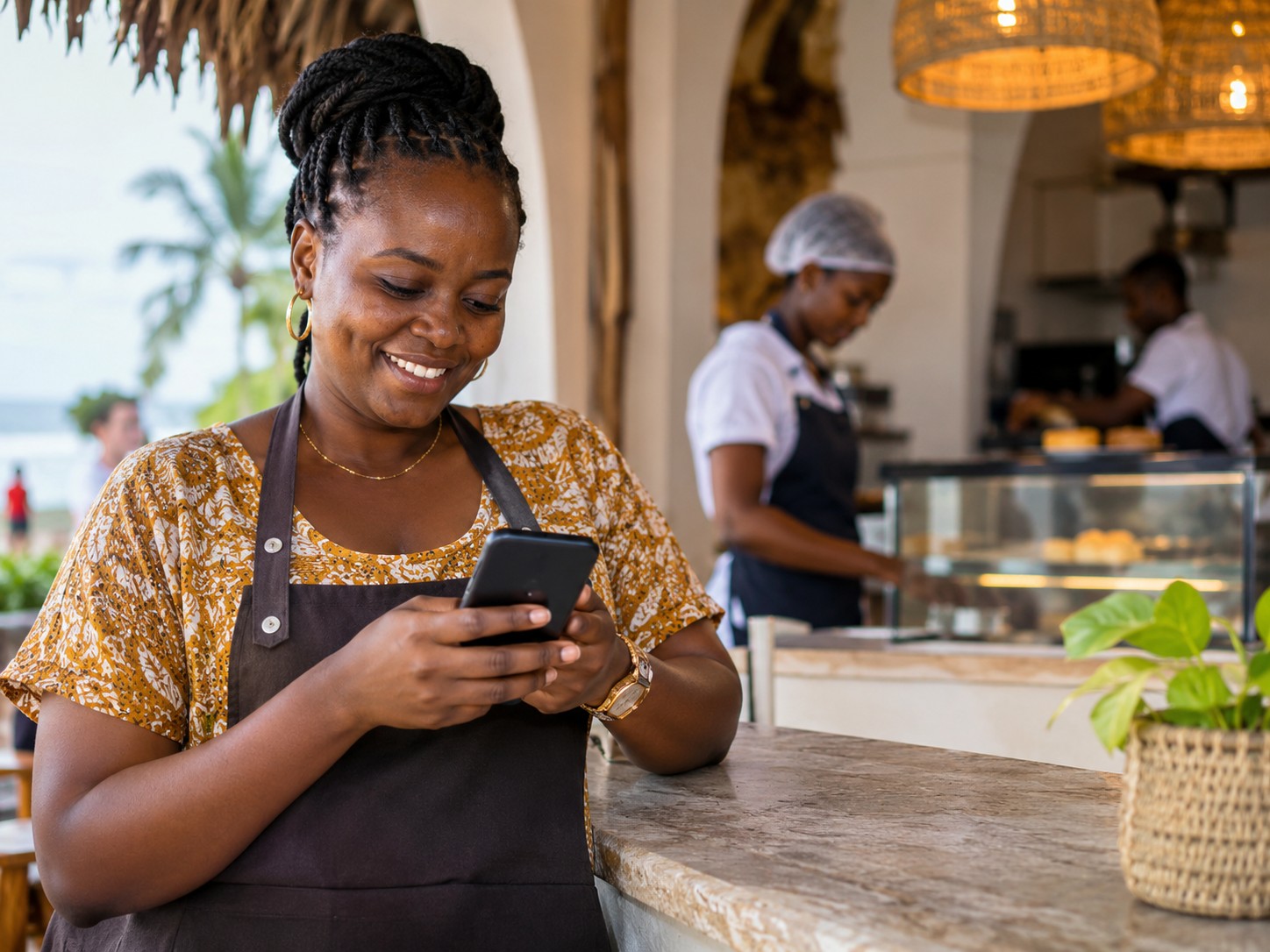
In Kenya, both Paystack and Flutterwave can take M-Pesa and card. You choose which methods your customers see.
Paid into your account
Payments go through your own Paystack or Flutterwave account, under that provider's normal terms.
No extra DMly fee
DMly adds nothing on top of what your payment provider charges.
Receipts by themselves
Every successful payment triggers a receipt in the chat, with no one typing it.
Side by side
A till number in the chat against a payment link
How Kenyan businesses usually take money on WhatsApp, and what changes.
In short
Payments on DMly
M-Pesa
Customers pay the way most Kenyans already do.
2 providers
Paystack or Flutterwave, whichever you prefer.
0 DMly fees
Nothing added on top of your provider's charges.
Automatic
Receipts sent the moment a payment succeeds.
Why DMly
Why businesses in Kenya choose DMly
Your customers already message you on WhatsApp and pay by M-Pesa. DMly puts both in one place, with costs explained in shillings before you send.
01The official WhatsApp API, on your numberDMly runs on Meta's official WhatsApp Business API with your own number, and co-existence keeps the WhatsApp Business app working on your phone.
02M-Pesa and card in the chatSend payment links and invoices through Paystack or Flutterwave, whichever you enable. DMly adds no fee, and receipts go out automatically.
03Every channel, one inboxWhatsApp, Instagram, Facebook, TikTok, Telegram, SMS and website chat, answered by one team with assignment, notes and full history.
04Message costs you can seeMeta bills Kenya at its Rest of Africa rate: about KSh 2.92 per delivered marketing message and about KSh 0.52 for utility. DMly adds nothing on top.
05Opt-in and STOP built inBroadcasts go to customers who opted in, and STOP replies are honoured on every channel, which helps you respect the Data Protection Act, 2019.
06Set up with you, freeOur team gets on a video call, connects your channels, builds your first flows and helps with Meta business verification at no cost.
Questions
Taking payments on WhatsApp in Kenya
Can customers pay by M-Pesa from a WhatsApp link?
Yes. DMly sends a Paystack or Flutterwave link, and customers can pay by M-Pesa or card, depending on which methods you enable with your provider.
Does DMly charge a fee on payments?
No. DMly adds no fee. Your payment provider charges its own normal fees under your agreement with them.
Do I need a Paystack or Flutterwave account?
Yes. You connect your own account to DMly, and payments go through it. Our team can help you link it on the setup call.
Are receipts sent automatically?
Yes. When a payment succeeds, a receipt is sent in the chat and the payment is recorded on the customer's profile.
Can I send invoices as well as quick links?
Yes. You can send an itemised invoice or a simple payment link for any amount, from the inbox, the AI agent or an automation.
Get paid in the same chat you sell in
Seven days free, no card needed. Our team sets it up with you on a video call.