 Kenya
Bookings and classes
WhatsApp booking software in Kenya, with M-Pesa deposits
Customers book a service or a class straight from the chat, see only the times that are really free, and pay a deposit by M-Pesa or card to hold the slot. A reminder goes out the day before, so the chair is not sitting empty.
Bookings from any chat
M-Pesa deposits
Day-before reminders
Google Calendar per staff
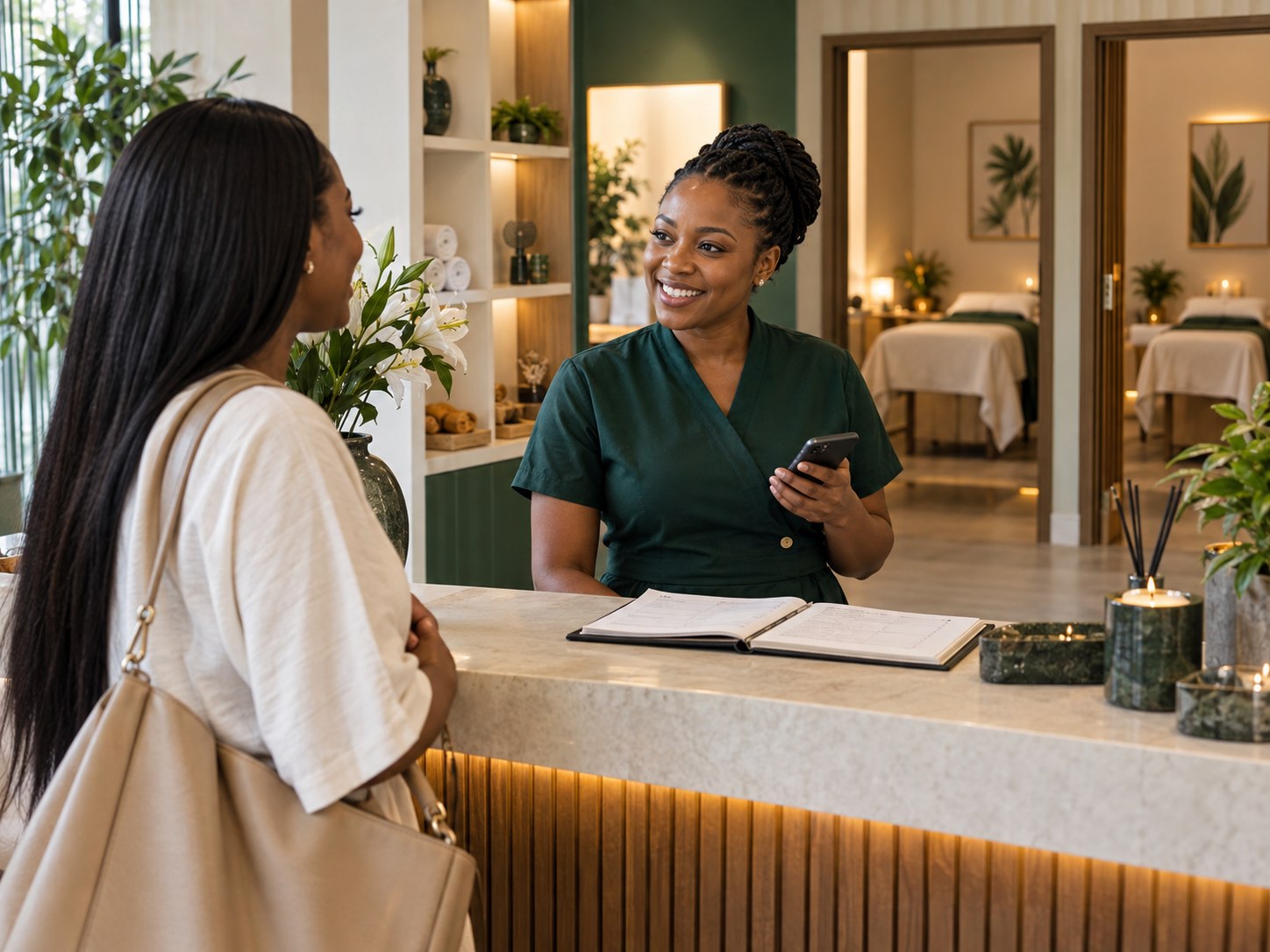
Appointment booking
The flow
From a question to a paid booking, inside the chat
01
The customer asks
They message on WhatsApp, Instagram or Facebook, or tap your booking page link from your bio.
02
Only free times show
DMly checks each staff member's calendar and offers only the slots that are open.
03
A deposit holds it
A payment link goes out for the deposit or the full amount, and the customer pays by M-Pesa or card.
04
Reminded the day before
A confirmation now, a reminder the day before, and a Google review request after the visit, sent to every customer.
Example
A Saturday kinyozi booking, paid in under a minute
A fictional barbershop in Nakuru. The customer never left WhatsApp.
Pick the barber
Customers choose the person they want, and only that person's free times appear.
Deposit by M-Pesa
The payment link runs through Paystack or Flutterwave, whichever the shop has switched on.
Confirmed automatically
Once the deposit is paid, the booking is in the barber's calendar and the customer gets a confirmation.
Also handles
Classes, staff calendars and waitlists
One booking system for one-to-one services and group sessions.
Classes
Group sessions with a headcount
Fitness classes, dance, swimming lessons or tuition, with a set number of places per session.
Waitlists
Full classes still fill up
When a class is full, customers join the waitlist, and a cancelled place can go to the next person.
Staff
A calendar per person
Every stylist, barber, therapist or trainer has their own availability, synced with their own Google Calendar.
Booking page
A link for your bio
Share one booking page link on Instagram, TikTok or your website, and the booking still lands in DMly.
The settings
The four settings that do most of the work
Set them once during onboarding and the diary mostly runs itself.

Deposit per service
Anywhere from 1 to 99 per cent, or full payment before booking. Nothing for a quick trim, a deposit for a long treatment.
A no-show fee
Switch on a no-show fee if you want one, and your terms are shown before the customer pays.
Day-before reminders
Every booking gets a reminder the day before with the time and your location, so people turn up.
Google Calendar sync
Each staff member's calendar syncs with their own Google Calendar, so their bookings are on the phone they already check.
Side by side
A notebook diary against bookings in the chat
Same customer, two very different experiences.
In short
What bookings on DMly include
M-Pesa
Deposits paid in the chat before the slot is held.
1 to 99%
Choose the deposit per service, or ask for full payment.
24/7
Customers can book while you sleep.
Per staff
Separate calendars, each synced with Google Calendar.
Why DMly
Why businesses in Kenya choose DMly
Your customers already message you on WhatsApp and pay by M-Pesa. DMly puts both in one place, with costs explained in shillings before you send.
01The official WhatsApp API, on your numberDMly runs on Meta's official WhatsApp Business API with your own number, and co-existence keeps the WhatsApp Business app working on your phone.
02M-Pesa and card in the chatSend payment links and invoices through Paystack or Flutterwave, whichever you enable. DMly adds no fee, and receipts go out automatically.
03Every channel, one inboxWhatsApp, Instagram, Facebook, TikTok, Telegram, SMS and website chat, answered by one team with assignment, notes and full history.
04Message costs you can seeMeta bills Kenya at its Rest of Africa rate: about KSh 2.92 per delivered marketing message and about KSh 0.52 for utility. DMly adds nothing on top.
05Opt-in and STOP built inBroadcasts go to customers who opted in, and STOP replies are honoured on every channel, which helps you respect the Data Protection Act, 2019.
06Set up with you, freeOur team gets on a video call, connects your channels, builds your first flows and helps with Meta business verification at no cost.
Questions
Booking software in Kenya: what owners ask
Can customers pay a booking deposit by M-Pesa?
Yes. The deposit link runs through Paystack or Flutterwave, and customers can pay by M-Pesa or card, depending on which methods you enable.
Can I charge the full amount upfront instead?
Yes. Each service can take a deposit from 1 to 99 per cent, full payment before booking, or nothing at all.
Does it work for classes as well as appointments?
Yes. Classes have a set number of places and a waitlist, so gyms, dance studios and tutors can use the same system.
Will it sync with my staff's Google Calendar?
Yes. Each staff member can connect their own Google Calendar, and their DMly bookings sync to it.
What happens if a customer does not show up?
You can switch on a no-show fee. The deposit and the day-before reminder also give customers a clear reason to turn up, or to tell you early if they cannot.
Do customers need to download anything?
No. They book inside WhatsApp, Instagram or Facebook, or through your booking page link.
Fill your diary without answering the phone
Seven days free, no card needed. Our team sets it up with you on a video call.