 Nigeria
WhatsApp payments in Nigeria
Collect payments on WhatsApp, in naira
Send a payment link or a proper invoice in the chat, take card or bank transfer through Paystack and Flutterwave, and have the receipt posted back into the same thread automatically.
Paystack and Flutterwave
Card and transfer
Deposits and full payment
Receipts in chat
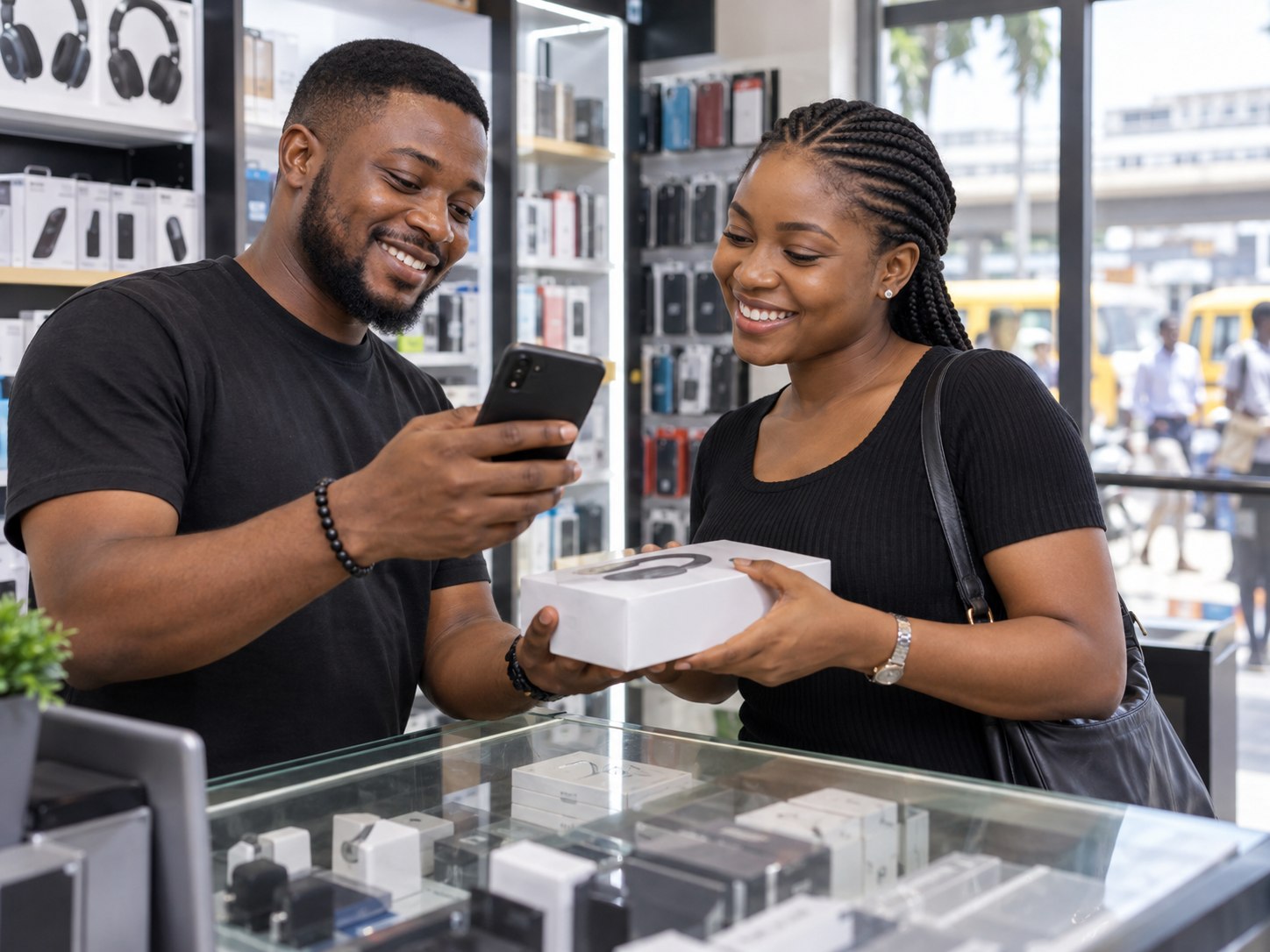
Payments in the chat
The basics
How WhatsApp payments work in Nigeria
The sale is agreed in the chat. The payment should happen there too.
A payment link in the conversation
Instead of sending an account number and waiting for a screenshot, you send a Paystack or Flutterwave link. The customer pays by card or bank transfer without leaving WhatsApp.
The receipt comes back on its own
When the payment lands, the receipt is posted into the same thread and the record is updated, so nobody has to check bank alerts.
Invoices when a link is not enough
For larger jobs, send a proper invoice with your business details. The customer pays it from the same chat.
Deposits for bookings
Ask for a deposit to hold an appointment. The slot is confirmed once it is paid and released if it is not.
How it works
The shortest distance between yes and paid
Most sales are lost in the gap between agreeing a price and actually paying. Close that gap.
Payment links
Generated in the chat
One tap creates a link for the exact amount, tied to the customer and the booking.
Invoices
Proper invoices with your logo
Itemised, VAT inclusive, downloadable as PDF and paid from the same message.
Deposits
Hold the slot with part payment
Take 20% to confirm and the balance on the day, which is how you stop no-shows.
Reconciliation
Receipts back in the thread
When payment clears, the confirmation posts into the conversation and the booking is marked paid.
Reminders
Chase unpaid invoices politely
Automatic nudges on day three and day seven, so you are not the one sending awkward messages.
Reporting
What each channel is worth
See revenue by channel, service and staff member, exportable to Google Sheets.
Getting started
How to collect payments on WhatsApp in Nigeria
Set it up once, then every chat can end in a payment.
Step 1
Connect Paystack or Flutterwave
Link the account you already use. Money goes straight to it, under its normal fees.
Step 2
Add your services and prices
So a payment link carries the right amount in naira and the right description.
Step 3
Choose deposit or full payment
Deposits to hold bookings, full payment for orders, invoices for larger jobs.
Step 4
Send the link in the chat
By hand, from an AI agent reply or from an automation. The receipt comes back into the thread when the customer pays.
Side by side
Account numbers against WhatsApp payments with DMly
Explore
Four ways money moves in a DMly chat
Payment links
Generated in the conversation
One tap creates a link for the exact amount, tied to the customer and the booking. Card, bank transfer, USSD and Opay or Moniepoint wallets, whichever the customer prefers.
Going deeper
Closing the gap between "yes" and "paid"
The gap is where sales die
A customer agrees to buy, you type your account number, they say they will transfer, and nothing arrives. Sending a link in the same breath as the price removes the delay, and the delay is what kills the sale.
Use the rails your customers already use
Paystack and Flutterwave cover card, transfer and USSD, and most Nigerian buyers already trust the checkout page. Nobody has to install anything or create an account to pay you.
No more "I have sent it"
Confirmations are automatic, so nobody has to interpret a blurry screenshot of a bank app. The chat shows paid, the booking confirms itself, and your staff move on to the next customer.
Your money goes to your account
DMly does not hold your funds. Payments settle directly from Paystack or Flutterwave into your own business account on their normal settlement schedule, and we take no cut of your sales.
Numbers your accountant can use
Export by day, branch, staff member or service. Because every payment is linked to a conversation, you can see which channel, campaign and staff member produced the revenue, not just the total.
Keep going
Where WhatsApp payments fit
Bookings
Deposits for appointments
Hold the slot only when the deposit is paid.
Retail
Sell what is on your shelves
Orders and payment in one chat.
Restaurants
Orders paid before they leave the kitchen
Menus, order summaries and payment links.
Costs
WhatsApp costs in naira
What Meta charges and what your plan covers.
Why DMly
Why Nigerian businesses choose DMly
What your customers already do on WhatsApp, Instagram and Facebook, handled in one place and priced in naira.
01Priced in nairaPlans from ₦29,000 a month, and Meta's message costs explained in naira before you send.
02The official WhatsApp APIRuns on Meta's official WhatsApp Business API, on your own number.
03Every channel, one inboxWhatsApp, Instagram, Facebook, TikTok, Telegram, SMS and website chat, answered by one team.
04Bookings and payments in the chatTake bookings, send invoices and share Paystack payment links without leaving the conversation.
05Set up for you, freeTell us what you want to automate and we build it with you, including help with Meta business verification.
06People you can reachCall or WhatsApp our team on 0806 121 1164.
Start your 7-day free trialChat with us on WhatsAppNo card needed for the trial. Setup help is free.
Questions
Collecting payments on WhatsApp in Nigeria
Which processors do you support?
Paystack and Flutterwave, with your own accounts and your own settlement terms.
Do you take a percentage?
No. You pay your DMly plan and your processor fees, nothing more.
Can I take part payment?
Yes, deposits per service with the balance tracked automatically.
Is it safe?
Payment pages are hosted by your processor and are PCI compliant. Card details never touch DMly or your staff.
Can customers pay me on WhatsApp in Nigeria?
Yes. Connect your Paystack or Flutterwave account and send a payment link or invoice in the chat. Customers pay by card or bank transfer.
Does DMly hold my money?
No. Payments go through your own Paystack or Flutterwave account, under their normal fees.
Can I take a deposit instead of the full amount?
Yes. Ask for a deposit to hold a booking, or the full amount for an order.
Do I get a receipt?
Yes. The receipt is posted back into the conversation automatically, and the payment is recorded on the customer’s profile.
Get paid before the customer cools off
Connect Paystack or Flutterwave and start collecting in the chat today.