Tell us what you want to automate. We’ll set it up for you at no extra cost.

Author name: DMly Team

A young man in glasses holds a mug at a desk in a dark room, his face lit by the glow of a laptop screen, beside the headline What Is MCP? Model Context Protocol Explained on a deep green DMly blog card.
Messaging Strategy

What Is MCP? Model Context Protocol Explained for Businesses

MCP is the open standard that lets an AI assistant like Claude or Cursor plug into the software your business runs on and do real work there: find a customer, check the diary, book the slot, chase the invoice. This guide explains it in plain words, how it differs from an API and a chatbot, and what an assistant can do with DMly’s MCP server, safely.

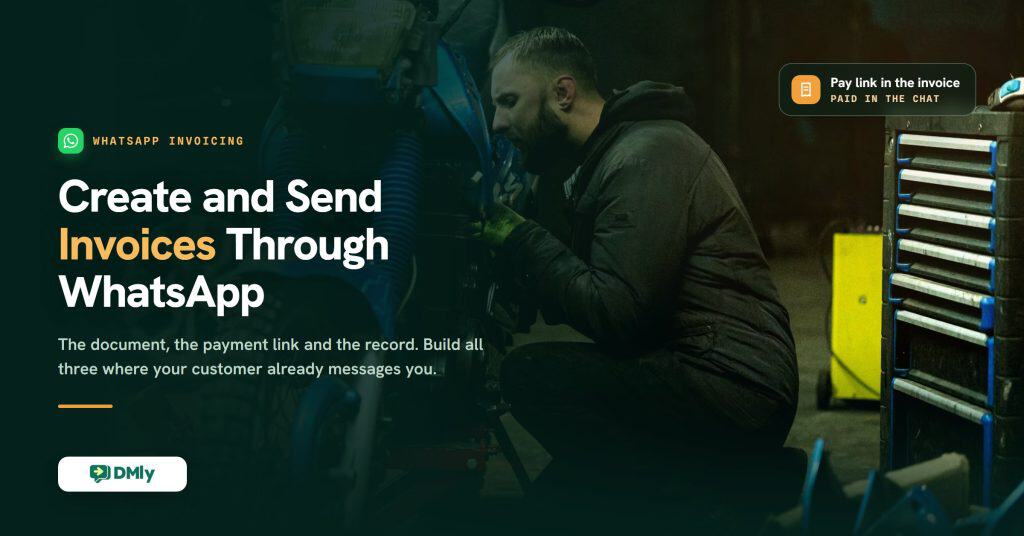
Dark garage photograph of a bearded mechanic crouched at work on a blue motorbike with a steel tool chest behind him, carrying the DMly headline Create and Send Invoices Through WhatsApp and a glass chip reading Pay link in the invoice, paid in the chat.
Ecommerce & Revenue

How to Create and Send Invoices Through WhatsApp

A WhatsApp invoice is three things at once: a document your customer actually opens, a link that takes the payment, and a record that keeps itself. This guide builds all three with DMly, in that order, from Finance defaults and Meta’s template rules to deposits, cash records, statements and the reminders that chase for you.

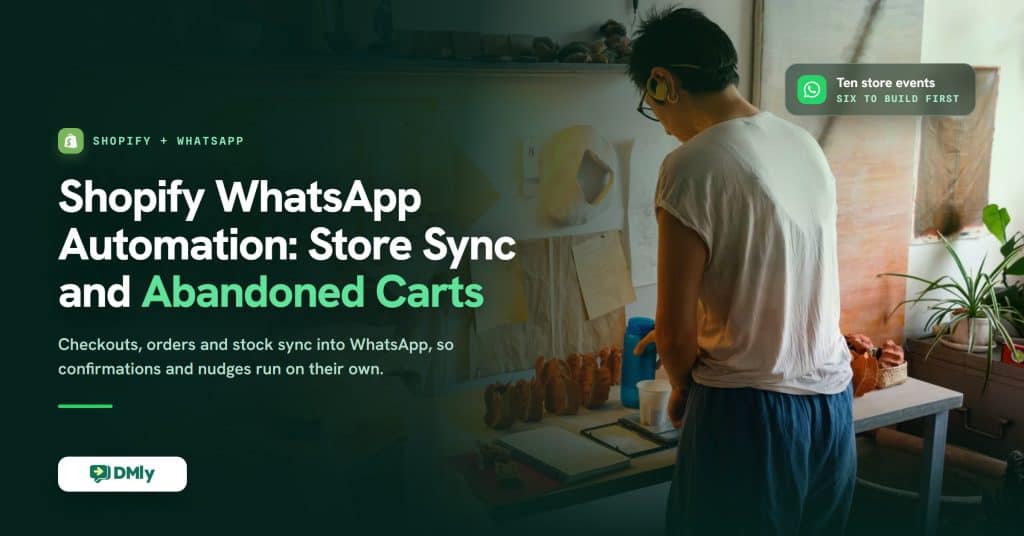
A maker stands at a warm studio bench lined with hand-formed terracotta pieces and an open order notebook, beside the headline Shopify WhatsApp Automation: Store Sync and Abandoned Carts on a dark green DMly card.
Ecommerce & Revenue

Shopify WhatsApp Automation: Store Sync, Abandoned Carts, and Order Updates (2026)

Shopify WhatsApp automation connects your store’s checkouts, orders, stock and customers to WhatsApp, so confirmations, tracking updates, abandoned-checkout nudges, back-in-stock alerts, review requests and support run on their own. This guide explains how the connection works, which store events you can automate, what to build first, and how to set it up with DMly.